Summarize this page with
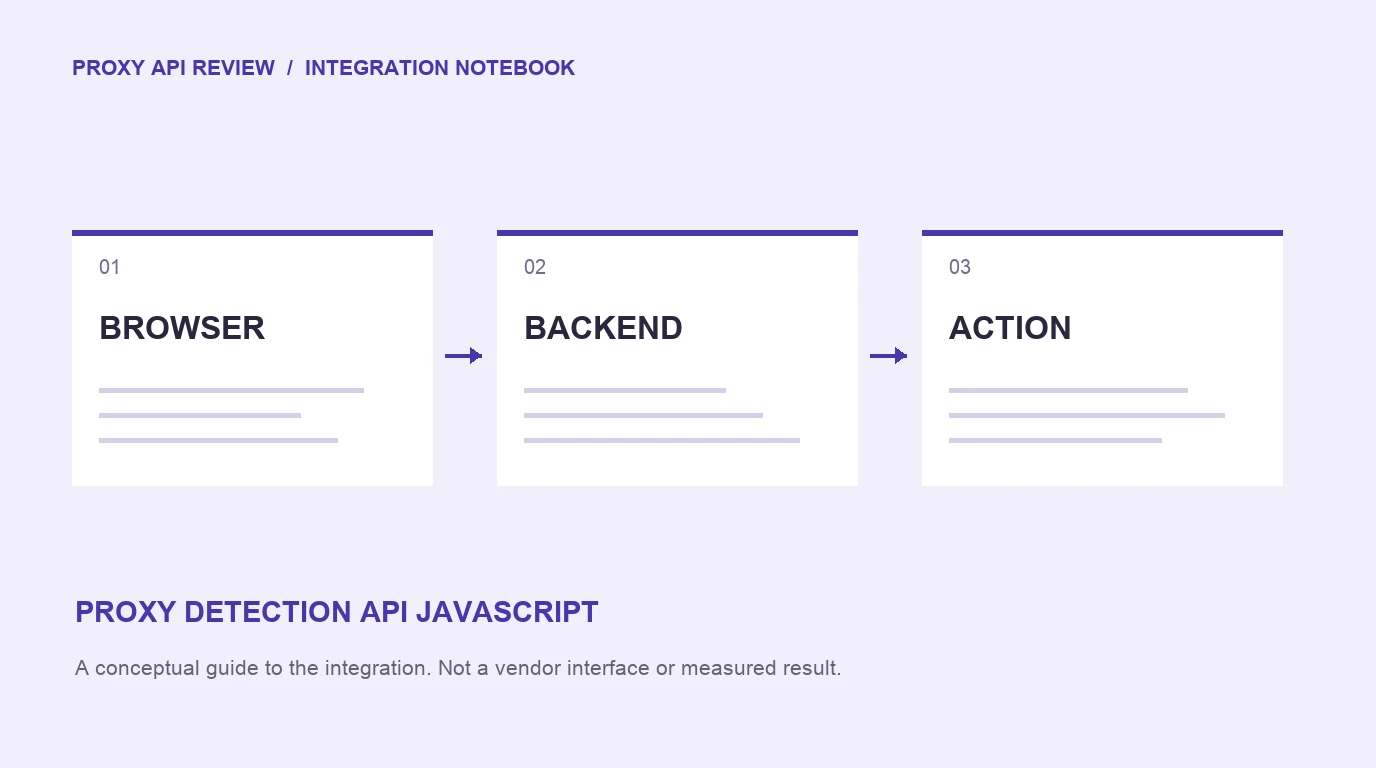
A JavaScript proxy detection integration has two trust zones: collection in the browser and a result verified by your backend. Keep private lookup credentials on the server, associate the returned event with the protected action and handle delayed results explicitly. Browser-supplied risk fields are not an authorization decision.
JavaScript can also mean a Node.js backend making an IP lookup. Decide which model you are implementing before copying a snippet. They collect different evidence and fail in different ways.
- 1Collect a browser event
- 2Retrieve a trusted result
- 3Bind it to the action
Choose the integration shape
A server IP lookup sends a trusted client address to an external API. A browser-assisted product observes the current environment, then exposes a result through its supported API or webhook delivery. The latter can connect masking evidence to the device and application user.
ShieldLabs combines current device/network evidence, identity and account-level abuse detection. Fingerprint exposes an event-based SDK and server integration. Their actual result contracts and account settings matter more than a generic isProxy() helper.
| Component | Responsibility | Data it should not control |
|---|---|---|
| Browser collection | Start the supported observation | Private API credentials or final access permission |
| Backend | Bind an action to the trusted result | A risk payload accepted solely from client JSON |
| Webhook handler | Verify delivery and record its event | Unchecked duplicate side effects |
| Application policy | Apply the action-specific response | A universal score interpretation copied from another vendor |
A supported public-key snippet
The ShieldLabs collection pattern uses a site public key. The placeholder below must be replaced with the key issued for your own site. A public collection key and a private server credential have different purposes; keep the latter out of the bundle.
<script type="module">
  const mod = await import(
    'https://cdn.shieldlabs.ai/snippet.js?publicKey=YOUR_PUBLIC_KEY'
  );
  mod.checkAnonymous();
</script>
Install through the supported framework or SDK path for your application. Confirm that the script is allowed by the relevant content security policy and runs at the intended checkpoint. If navigation interrupts collection, an installed snippet alone does not establish that a usable result reached the backend.
Follow the current ShieldLabs documentation for result retrieval, user association and webhook setup. Do not invent an endpoint from the product name or assume that a client callback has already authenticated an account action.
Bind the observation to a real action
Create an application action reference when a signup, login or redemption begins. Record the account reference when known, the supported provider event reference, and the time. Retrieve or receive the result through the documented trusted channel, then associate it with that action.
Reject a result belonging to a different action or user. Handle a duplicate delivery idempotently so it updates the stored assessment without repeating a signup, charge or reward. A reusable queue message should carry a stable action identifier and a known processing state.
Do not let the browser select another customer’s stored event and call it its own. The exact verification mechanism depends on the product, but ownership checks belong on the server. The result must be relevant to the action being authorized.
Handle deadlines and delivery failures
The application needs states such as waiting, received, incomplete and unavailable. Define the deadline at the user-visible action, then decide how each missing state affects the flow. A failed check should not be silently stored as a low-risk verdict.
A delayed result may still be useful for investigation or a later protected action. That does not mean an application can retroactively stop an action it already allowed. Keep the timestamp and decision reason so reviewers can understand which evidence was available at the time.
If a webhook is used, follow the provider’s documented verification, retries and acknowledgement requirements. Avoid a long synchronous processing chain in the handler. Store the delivery reference and perform repeat-safe work before acknowledging according to that contract.
Compare browser and backend visibility
Use browser tools to check whether collection loaded, then inspect the corresponding server result in your permitted environment. A network response in DevTools is useful evidence of transport, but inspect the actual account and event association as well.
| Test | Expected application behavior |
|---|---|
| Collection completes | Trusted result is attached to the correct action |
| Script blocked or interrupted | Waiting state eventually becomes explicit unavailable state |
| Duplicate delivery | No duplicate protected action or reward |
| Old event reused | Freshness and action association are checked |
| API quota or authentication failure | An operational error is visible to the team |
Start with public checkers to understand the evidence, then run an integrated evaluation. Separate request-path timing from background delivery using the latency and caching guide.
Keep response normalization narrow
Network classification, confidence, visitor risk and account-abuse findings are separate objects. Preserve the provider’s meaning for each. An application may combine them in a decision, but it should not transform “VPN detected” into “fraud confirmed” without the relevant evidence.
Our response field guide gives a normalization checklist. Use the ten-API comparison to shortlist interfaces, then verify current SDK and plan access in the linked review.
FAQ
Can I put an IP API secret in frontend JavaScript?
No. Frontend bundles and browser requests expose it. Use a server-held secret for private lookup calls. A vendor-issued site public key for supported browser collection is a different credential.
Does a script loading prove the check worked?
No. Verify that a usable result arrived through the supported channel and belongs to the intended action. Blocked collection, incomplete processing and quota errors need explicit handling.
Can I use only a webhook?
Use the provider’s supported collection and delivery model. A webhook delivers a result; it does not replace any browser collection, authentication or action binding that the chosen product requires.
Sources
- ShieldLabs documentation, supported collection and result delivery.
- Fingerprint server integration, trusted event handling.
- MDN Content Security Policy, controlling script loading.
- MDN X-Forwarded-For, client address trust for server lookups.
Continue reading
- Free proxy detection APIs: limits and production cost
- Proxy and VPN API fields: flags, confidence and risk scores
Compare all ten tools or read the complete deployment guide.